Bank PDF to Excel · 100% Free

Convert any bank statement PDF to Excel — free

Drop in a bank statement PDF and get back a clean, editable Excel file in seconds. Supports 27+ Indian banks, handles password-protected PDFs, and needs no signup.

100% freeNo signup
27+ banksSupported
SecondsInstant
SecurePrivate

Stop retyping your bank statements

Bank statements arrive as PDFs that you cannot edit, sort or total. Copying them into a spreadsheet by hand is slow and full of mistakes.

This converter does it for you: upload your statement PDF — even a password-protected one — and TaxFetch returns a clean Excel file with your transactions and account details neatly laid out, ready to sort, filter and total. It is completely free and needs no signup.

What this tool does for you

Everything you need, built in — no spreadsheets, no guesswork.

🆓

Completely free

No signup, no quota, no catch — convert as many statements as you need.

Instant conversion

Upload your PDF and download a clean Excel file in seconds.

🔐

Password-protected OK

Locked bank PDFs are supported — just provide the password.

🏦

27+ Indian banks

Works with HDFC, SBI, ICICI, Axis, Kotak and many more.

🧹

Clean, editable output

Get a tidy Transactions sheet plus an Account Info sheet you can edit.

🔒

Private

Your statement is used only to build your Excel file and is not shared.

See it in action

A look inside Bank PDF to Excel Converter

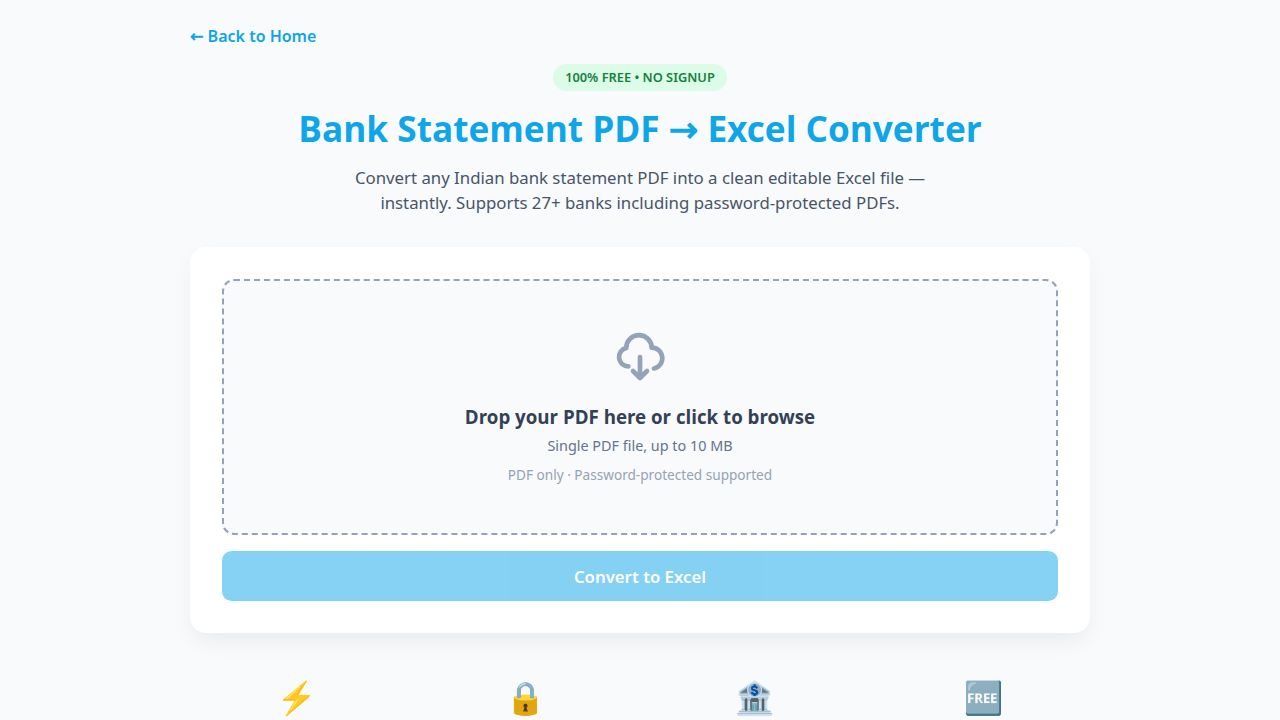
This is exactly what you'll see when you open the tool.
taxfetchindia.com/tools/bank-pdf-to-excel
Screenshot of the Bank PDF to Excel Converter tool

Drop a bank statement PDF — even password-protected — and get a clean, editable Excel file in seconds. 100% free, no signup.

Try Bank PDF to Excel Converter →

How it works

From start to result in four simple steps.

1

Get your PDF

Download your bank statement PDF (up to 10 MB).

2

Drop it in

Upload the file — add the password if it is protected.

3

We convert it

TaxFetch extracts your transactions into a clean Excel layout.

4

Download Excel

Get an editable .xlsx with Transactions and Account Info sheets.

What users say

Loved by taxpayers across India

Real people who got things done faster with Bank PDF to Excel Converter.

★★★★★
I needed three years of statements in Excel for a loan. This converted them all in minutes — for free.
MBMohit BansalSalaried, Delhi✔ Verified
★★★★★
My ICICI PDF was password-protected and it still worked perfectly. The Excel was spotless.
RDReena D’SouzaFreelancer, Goa✔ Verified
★★★★★
No signup, no payment, just a clean Excel file. I was honestly surprised how good it was.
APAjay PawarSmall business, Nashik✔ Verified
★★★★★
Saved me hours of retyping for my GST reconciliation. The transactions came out perfectly aligned.
SKSwati KulkarniAccountant, Pune✔ Verified
★★★★★
Tried it with my SBI statement expecting a mess — got a tidy spreadsheet instead. Bookmarked.
FAFaisal AhmedConsultant, Hyderabad✔ Verified

Frequently asked questions

Everything you need to know before you start.

Is it really free?

Yes — the PDF to Excel converter is 100% free with no signup and no usage quota.

Does it work with password-protected PDFs?

Yes. If your bank PDF is locked, just provide the password and the tool will convert it.

Which banks are supported?

It supports 27+ Indian banks including HDFC, SBI, ICICI, Axis and Kotak.

What does the Excel file contain?

A clean Transactions sheet with all your entries plus an Account Info sheet — fully editable.

Is there a file size limit?

You can upload a single PDF up to 10 MB.

Explore more TaxFetch tools

A complete toolkit for your taxes — all in one place.

Ready to try Bank PDF to Excel Converter?

It's quick, easy and your first use is free. See it work for yourself.

Try the tool →